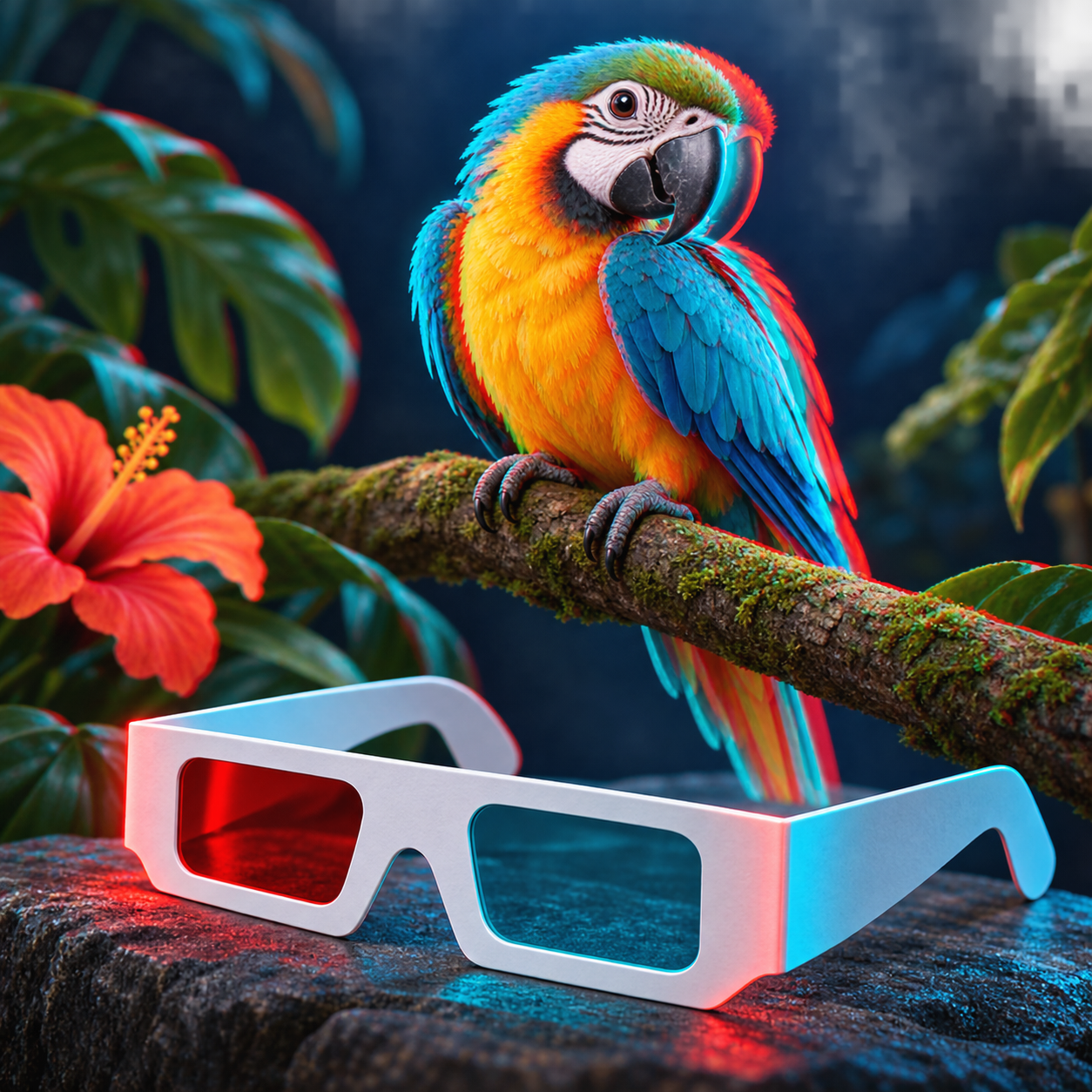
3D LAB

3D LAB

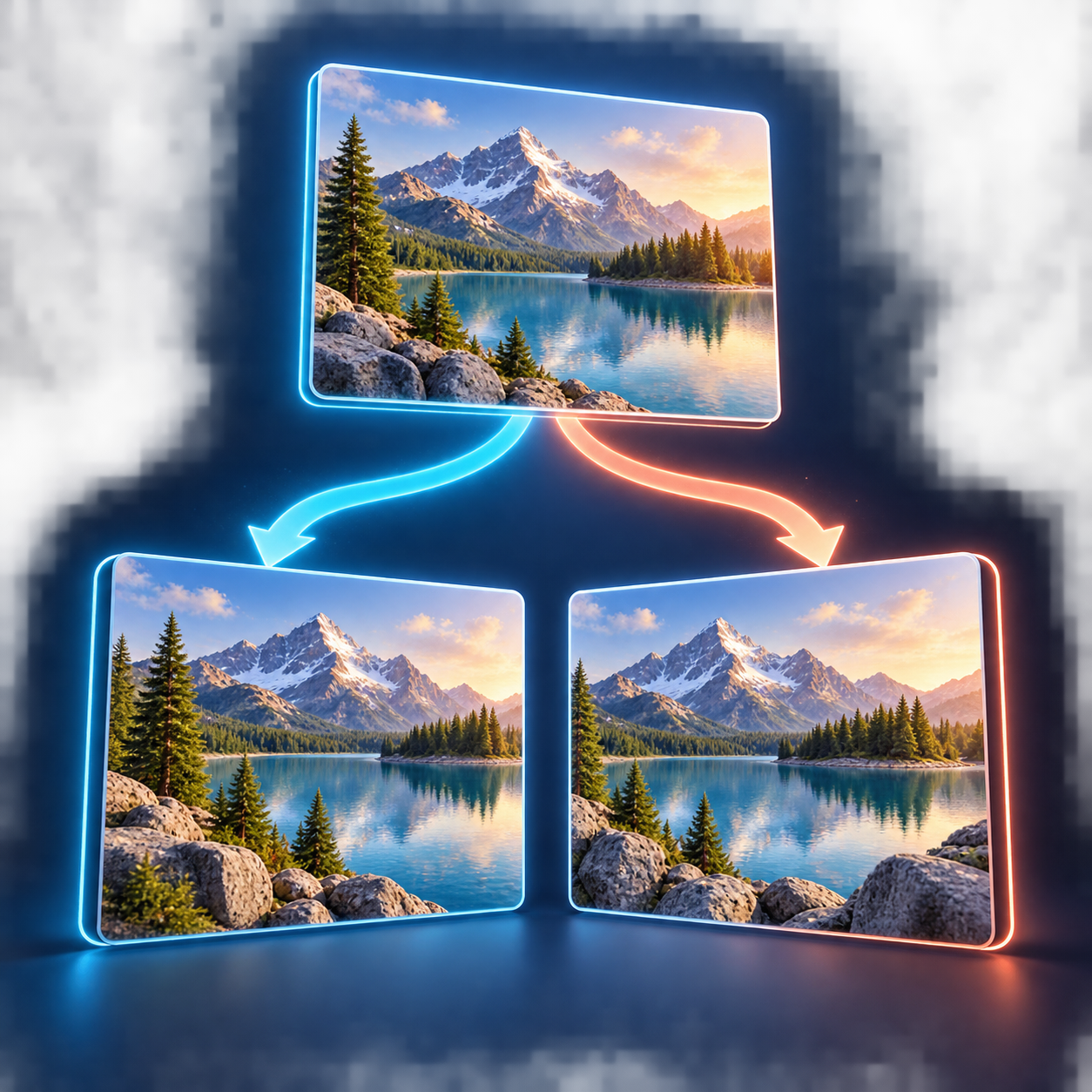
Practical tools for creating and preparing stereoscopic images. Start with a classic anaglyph or align a stereo pair for further processing.

Your images stay on your device.

In this version of 3D LAB, images are processed with Canvas in your browser and are not uploaded to the server.

01

Anaglyph Maker

Combine left and right views into a classic red-cyan anaglyph.

  • Color, Half-color, Gray and Optimized
  • X/Y alignment, scale and rotation
  • Final PNG export
Open tool →
L R
02

Stereo Alignment / Converter

Align a stereo pair and inspect it in several viewing modes before export.

  • Parallel and Cross-eye
  • Anaglyph, Overlay and Blink
  • Side-by-side or anaglyph export
Open tool →
03

Lenticular LAB

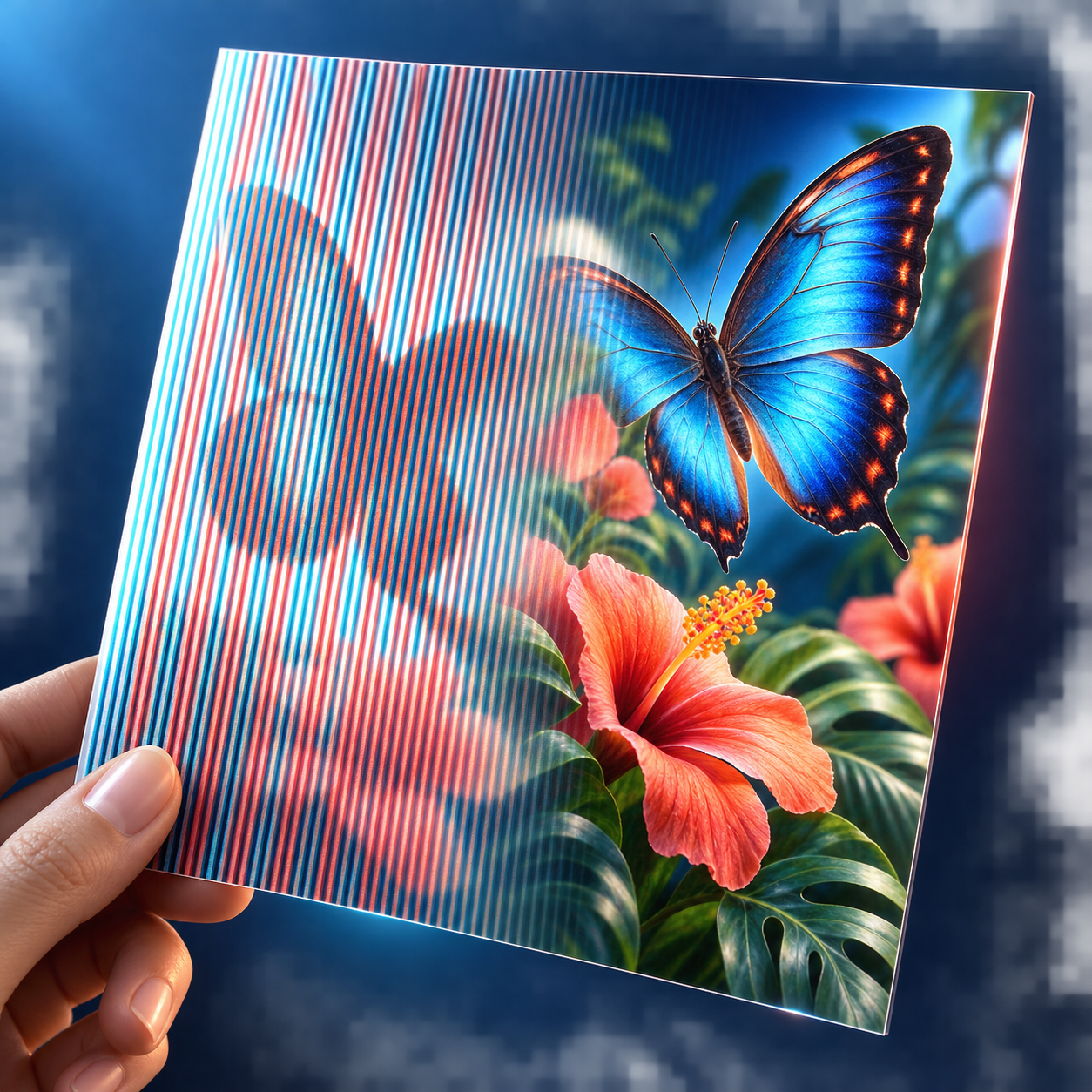
Prepare images for lenticular printing: multi-view interlacing, pitch testing and parameter calculation.

  • Interlacer for 2–12 views
  • Pitch Test Generator
  • Calculator and A4 / 60 LPI workflow
Open tool →
L R
04

MPO Viewer / Converter

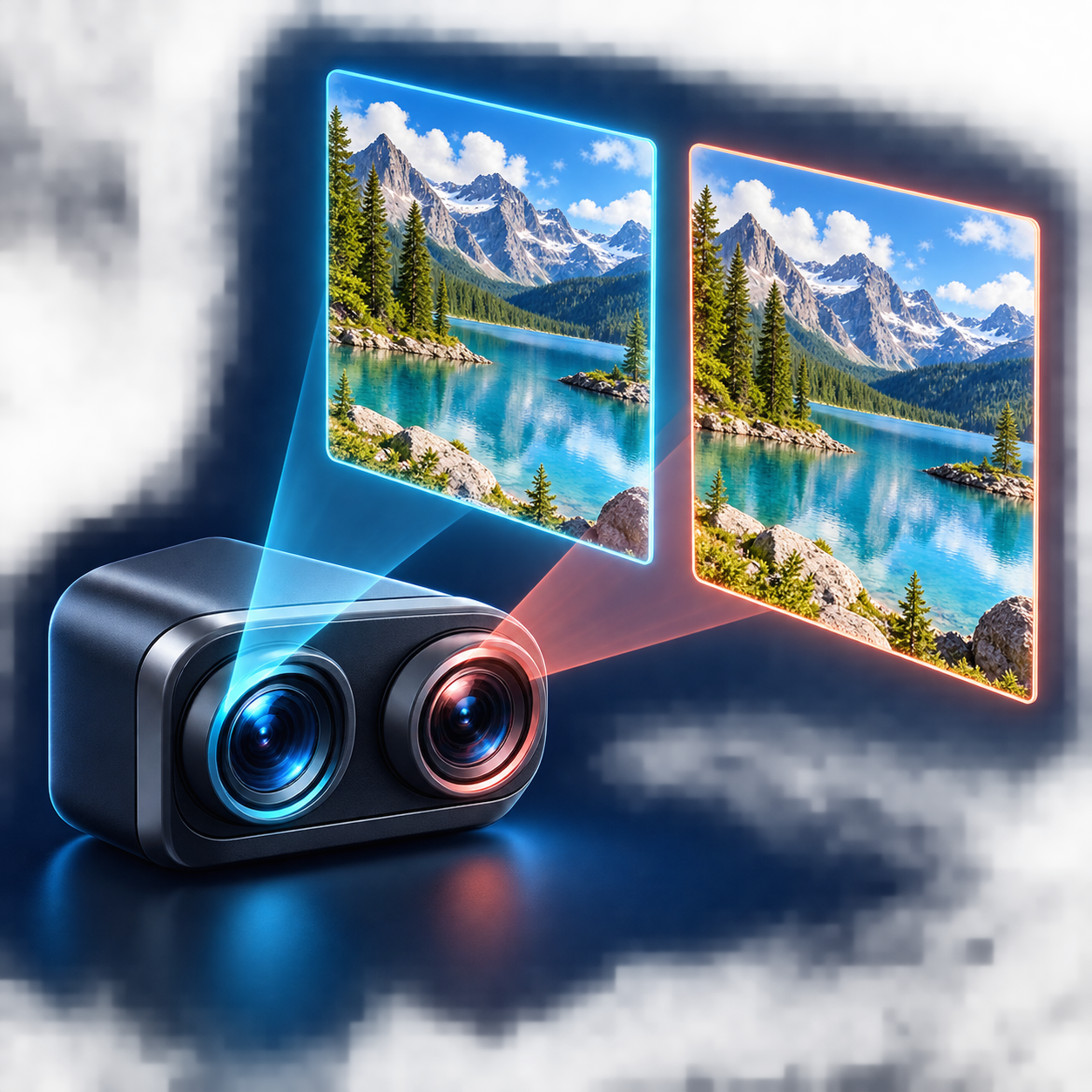
Open an MPO file from a 3D camera, split the images and export a stereo pair or anaglyph.

  • Parallel / Cross-eye / Anaglyph preview
  • Extract left and right JPEG
  • SBS PNG and anaglyph export
Open tool →
05

Wigglegram Maker

Turn 2–12 views or an MPO file into a glasses-free spatial animation.

  • Live animation preview
  • Loop or Ping-pong
  • Animated GIF export
Open tool →
Workflow

From two photographs to a finished 3D image

1 Load

Add left and right images captured from two viewpoints.

2 Align

Correct vertical/horizontal shift, scale and small rotation differences.

3 Inspect

Switch between anaglyph, parallel, cross-eye or overlay preview.

4 Export

Save the result as PNG for further use or publication.